Your AI Agent, Now Smarter, Safer, and More Visual
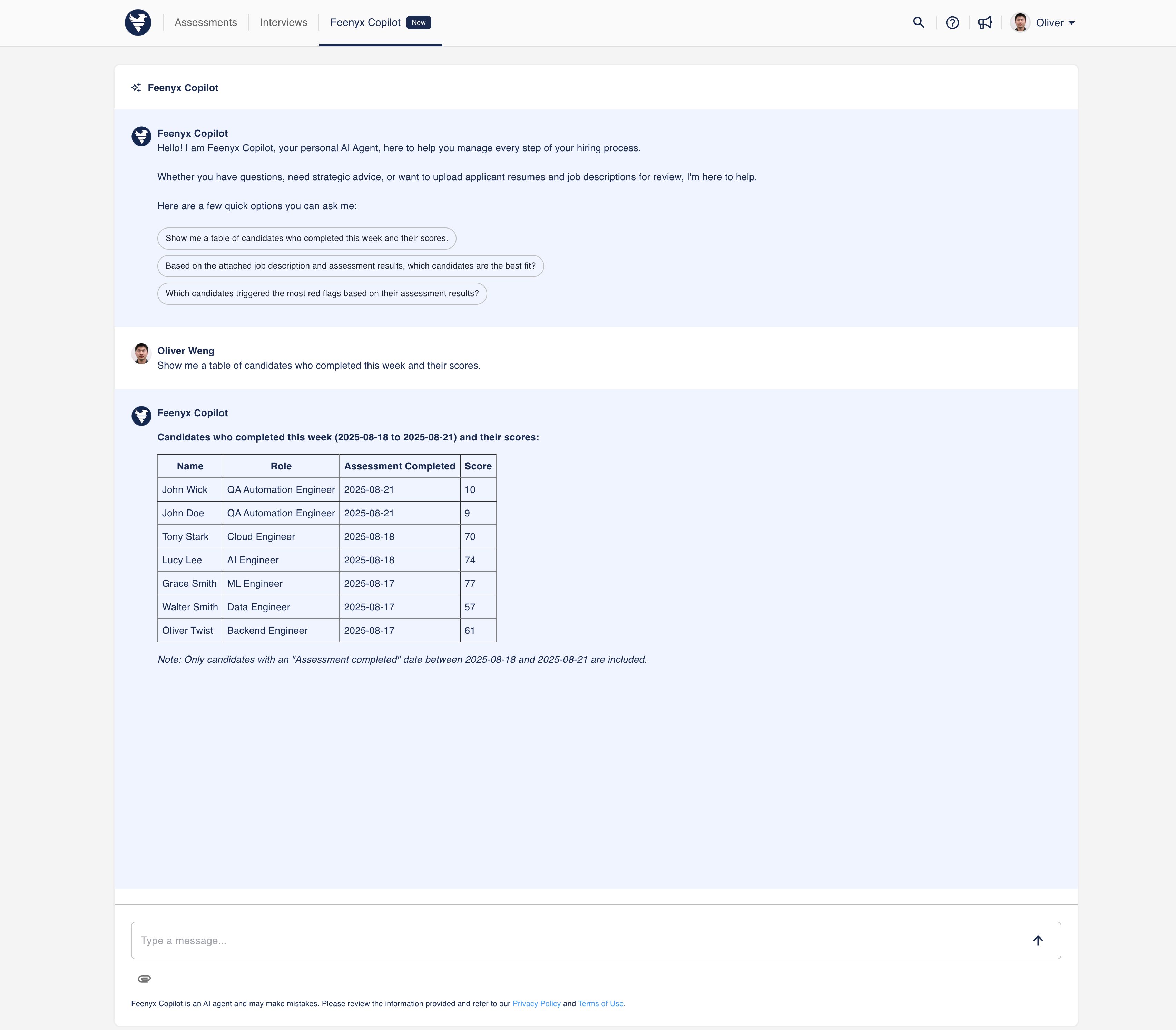
Today we’re rolling out a major upgrade to our AI agent architecture that makes every conversation faster to start, clearer to explain, and safer to run at scale. This release introduces Auto-Context, a built-in Drawing Table for quick visuals, significant security hardening, a smarter max-token handler, and a core architecture refactor for rock-solid reliability.
If you rely on AI to power customer experiences, assessments, internal workflows, or analytics, this one’s for you.
TL;DR
- 🧠🎯 Auto-Context: Org-level or assessment-level context is applied instantly at chat start—no setup dance.
- ▦✍️ Drawing Table: Sketch structured visuals and quick diagrams right inside the agent.
- 🔒🛡️ Security Hardening: Stricter data scoping and safer prompt handling to protect users and IP.
- 📏🧵 Max-Token Upgrades: Less truncation, better long-context stability in complex workflows.
- 🏗️🧹 Core Refactor: A faster, cleaner foundation you can trust in production.
Auto-Context: Zero-Friction Starts, Every Time
Most agent experiences struggle with the warm-up: you paste background docs, restate goals, add policies—and only then can you get to work. Auto-Context eliminates that friction.
- Org-level context (definitions, policies, tone, glossary) and assessment-level context (goal, rubric, constraints) now load automatically at session start.
- Your first prompt can be as short as “Compare candidates A and B” or “Draft the remediation plan” and the agent already knows the rules of the game.
Why it matters: Faster ramp-up for users, fewer context mistakes, and crisp, repeatable outputs—especially across large teams or standardized assessments.
Pro tip: Keep org context timeless (brand voice, policy) and push scenario-specific nuance into assessment context. You’ll get maximum reuse with minimum drift.
Drawing Table: Visual Thinking, Without Leaving the Chat
Sometimes the shortest path to clarity is a sketch. The new Drawing Table adds lightweight diagramming and structured visuals directly inside the agent:
- Drag-and-drop boxes, arrows, swimlanes, and tables for quick flows, comparisons, or checklists.
- Iterate collaboratively—ask the agent to add steps, label transitions, or convert a sketch into prose and vice-versa.
- Export or embed the diagram back into your docs or tickets.
Use it for: onboarding flows, incident timelines, policy decision trees, rubric comparisons, data mappings, or any “whiteboard+words” moment.
Want to try the Drawing Table live? Request a demo
Security Hardening: Defense-in-Depth, Built-In
We’ve tightened guardrails across the stack to keep your data safe and your outputs dependable.
- Stricter data scoping: The agent only sees what it should, when it should—minimizing accidental exposure across teams or tenants.
- Safer prompt handling: Improved controls to mitigate prompt-injection tactics and reduce the risk of jailbreak-style behavior.
Outcome: Greater confidence for regulated industries, multi-team deployments, and high-stakes workflows where provenance and principle of least privilege matter.
Need a security deep-dive? Contact us
Max-Token Upgrades: Longer Contexts, Fewer Cutoffs
Long artifacts—RFPs, audits, knowledge bases—often blow past model limits. Our updated max-token handler reduces truncation and improves stability when working with long contexts.
- Smarter token budgeting means more of what matters gets included.
- Fewer mid-stream cutoffs, more consistent reasoning on extended inputs.
Result: Higher-quality analysis on big documents and less time wrangling excerpts.
Architecture Refactor: Reliability You Can Feel
Under the hood, we’ve rebuilt core components for greater reliability and maintainability:
- Clearer boundaries between context ingestion, reasoning, and action layers.
- Faster issue resolution and safer iteration for new features—without destabilizing your daily workflows.
Translation: fewer surprises, faster performance improvements, and a platform that scales with your roadmap.
What This Unlocks
- Consistent assessments at scale: Auto-Context ensures every evaluator or candidate operates under the same rules.
- Faster decision-making: Diagram a process in minutes and turn it into executable steps or documentation.
- Enterprise-ready deployments: Stronger scoping and safer prompts keep teams confident as usage grows.
- Deep-document work: Handle long materials with less manual chunking and better continuity.
See It For Yourself
- Request a demo to explore Auto-Context, the Drawing Table, and long-context handling on your own workflows.
- Contact us for pricing, security reviews, or implementation guidance.
Your agent just got smarter, safer, and more visual. Time to put it to work.